Irrigation Timer Troubleshooting (Easy Fixes & How-To)
Few things are more frustrating than heading outside to check your lawn and realizing your sprinklers never ran. If your irrigation timer is acting up, you are not alone. Irrigation timer troubleshooting is one of the most common tasks we handle here at Matehuala Landscape And Irrigation in Celina, and the good news is that many issues have EASY fixes you can try yourself.
In this guide, we will walk you through why your timer might not be turning on, how to get it watering again, and simple steps to reset and reprogram it. Let us dig in and get your system back on track.
Why Is My Irrigation Timer Not Turning On
When your irrigation timer screen is blank or unresponsive, the problem usually comes down to power or a loose connection. Before you assume the worst, it helps to rule out the simple stuff first. Most timers run on a mix of household power and a backup battery, so a hiccup in either can leave you staring at a dark display.
Here are the most common reasons your timer will not turn on:
- No power to the outlet. A tripped breaker or unplugged transformer will cut power fast.
- Dead backup battery. Even hardwired timers rely on a battery to hold settings.
- Blown fuse. Many controllers have a small internal fuse that can fail.
- Loose or corroded wiring. Terminals can wiggle loose over time or rust from moisture.
- Damaged transformer. Power surges and storms can fry the transformer.
- Faulty display or aging unit. Older timers simply wear out.
If you have checked the power and the screen is still dark, the issue may run deeper into your system. Many of these signs overlap with the most common issues we see in irrigation systems, so it pays to know what to look for before calling in help.
How to Fix an Irrigation Timer That Won’t Water
Sometimes the timer powers on just fine but no water flows to your zones. This is a different problem than a dead display, and it often points to programming errors or valve issues rather than the timer itself. Work through these steps in order and you will likely find the culprit.
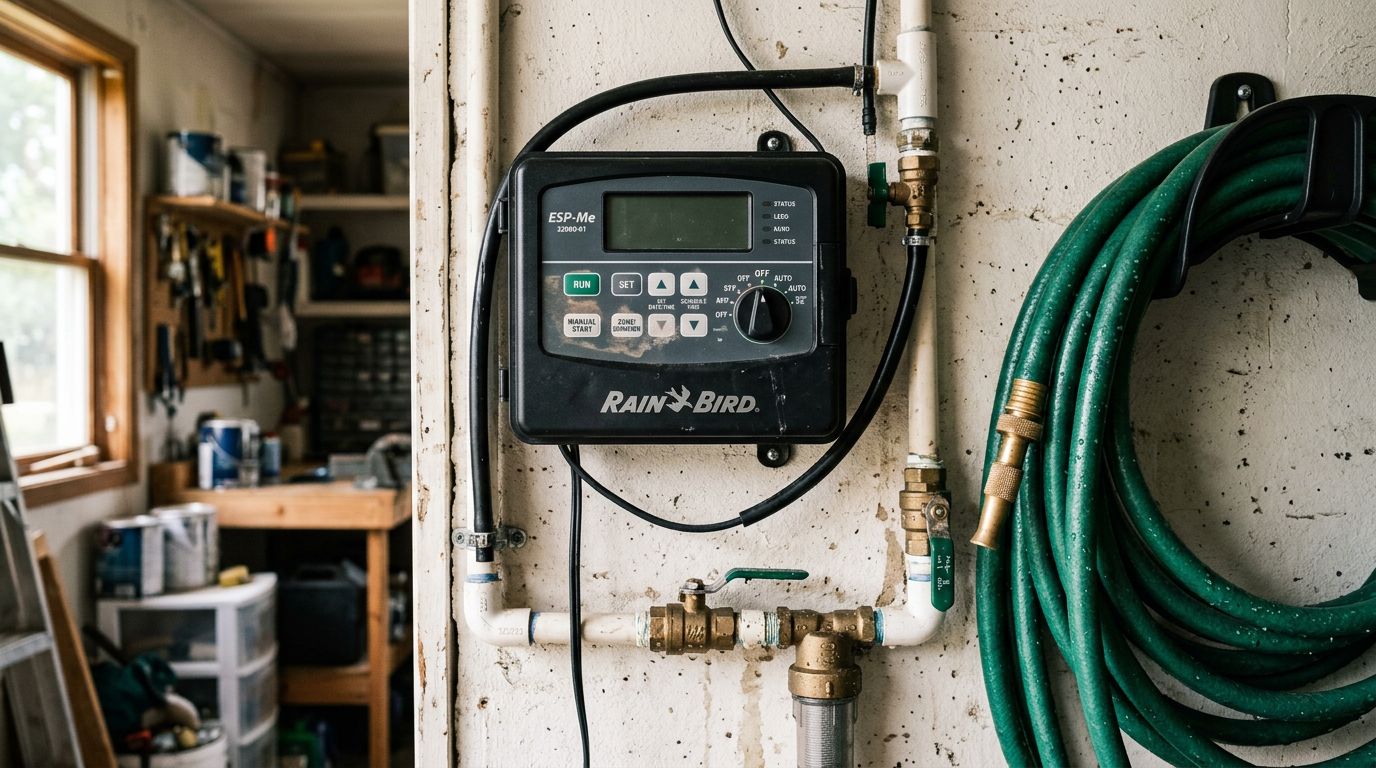
- Check the mode setting. Make sure the timer is set to AUTO or RUN, not OFF or RAIN DELAY.
- Confirm the start times. A missing or blank start time means the system will never begin a cycle.
- Review the run times. A zone set to zero minutes will not water at all.
- Look for an active rain delay. Some smart controllers pause watering after rain and forget to resume.
- Test each zone manually. Use the manual button to run one zone at a time and see which respond.
- Inspect the valves. If a zone gets a signal but no water flows, the valve may be stuck or broken.
- Check the main water supply. A closed backflow valve or shutoff can stop everything.
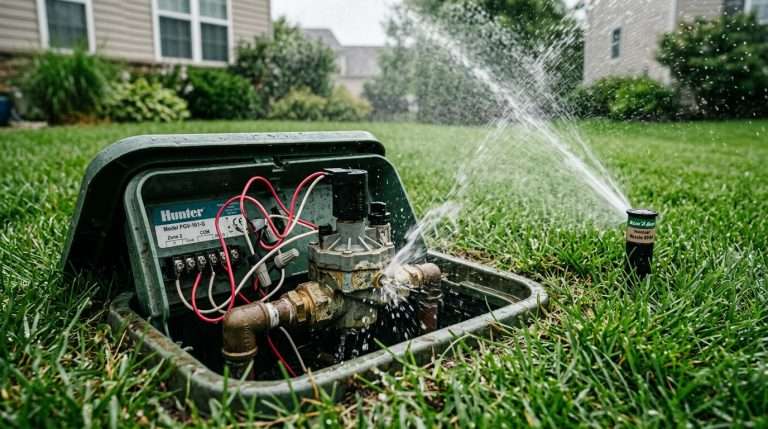
If a specific zone refuses to run even after these checks, the valve may be to blame. Learning to spot the signs of a faulty irrigation valve can save you hours of guessing and help you explain the problem clearly when you need a pro.
Common Irrigation Timer Problems and Solutions
Timers are reliable, but they do run into recurring headaches. Below are the issues we hear about most often and how to tackle each one.
The Display Is Blank or Flickering
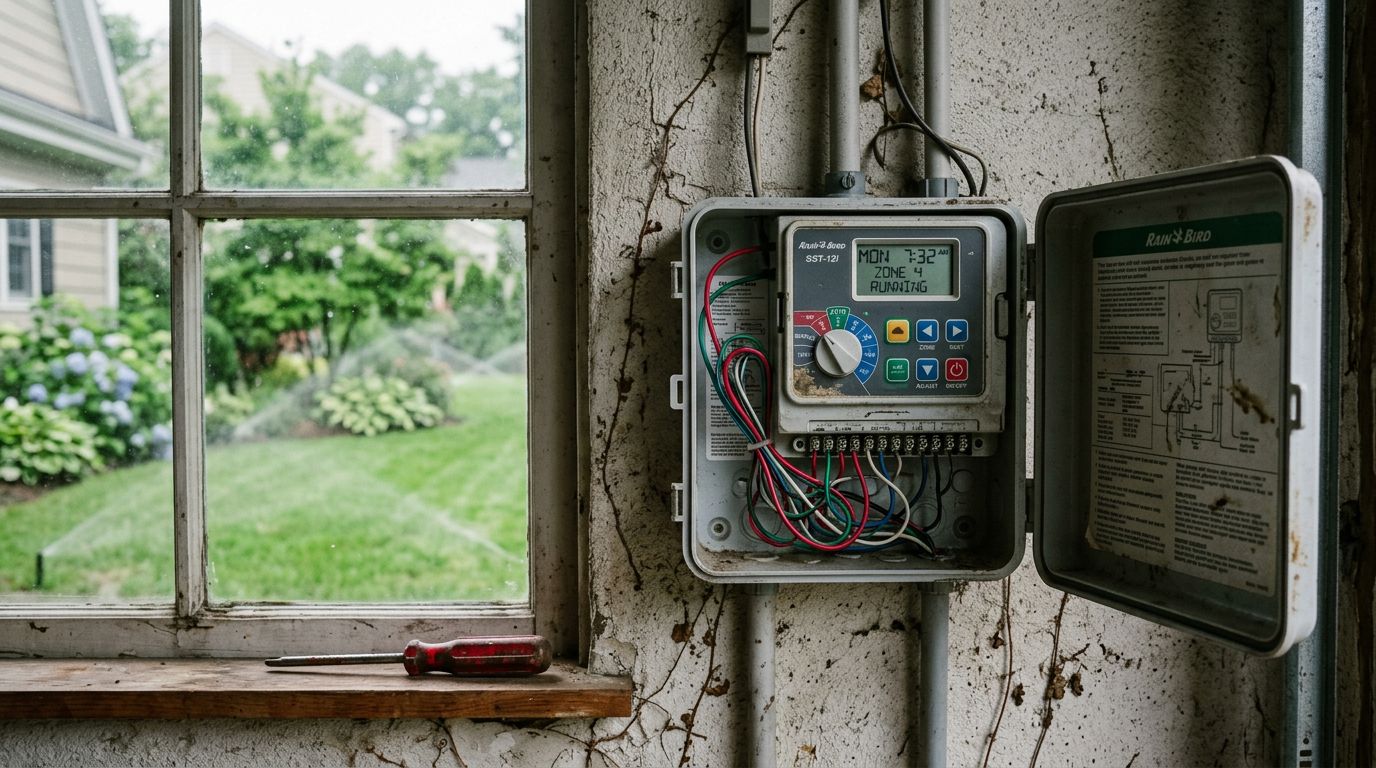
A blank or flickering screen almost always means a power problem. Check that the transformer is plugged in and the outlet has power. If you use GFCI outlets, press the reset button. Replace the backup battery while you are at it, since a weak battery can cause flickering.
Zones Run at the Wrong Time
If your sprinklers fire at odd hours, the clock is probably set wrong. Double-check the current time AND the AM/PM setting. A common mistake is setting a 6 in the evening as 6 AM. Also confirm the day of the week is correct.
One Zone Never Runs
When every zone works except one, the timer is likely fine. The issue is usually a wiring break, a bad solenoid, or a stuck valve on that specific line. Test the zone manually to confirm.
All Zones Run at Once
This unusual behavior often signals a wiring short or a failing controller board. Inspect the terminal wires for crossed or frayed connections before assuming the unit is dead.
System Waters Too Often
Duplicate programs are the usual suspect. Many timers have multiple program schedules, and overlapping start times can double or triple your watering. Review each program slot carefully.
Timer Loses Settings After a Power Outage
If your timer forgets everything after a storm, the backup battery is dead. Replace it and reprogram. Upgrading to a smarter unit can also help; the benefits of smart irrigation controllers in Texas climates include weather-based adjustments and cloud backups that survive outages.
How to Reset an Irrigation Timer
A reset is a great first move when your timer is behaving strangely and you cannot pin down why. Resetting clears out glitches, corrupted settings, and forgotten programs. Keep in mind that a full reset erases your schedule, so jot down your watering times first if you want to restore them.
- Write down your current schedule. Note start times, run times, and watering days.
- Locate the reset button. It is usually a small recessed button you press with a pen tip.
- Hold the reset for a few seconds. The display will blink or go blank to confirm.
- Try a power cycle if there is no reset button. Unplug the transformer and remove the battery for 30 seconds, then restore both.
- Wait for the timer to reboot. The default screen should appear once power returns.
- Set the current time and date. This is the foundation for everything else.
- Reprogram your zones. Enter the schedule you saved earlier.
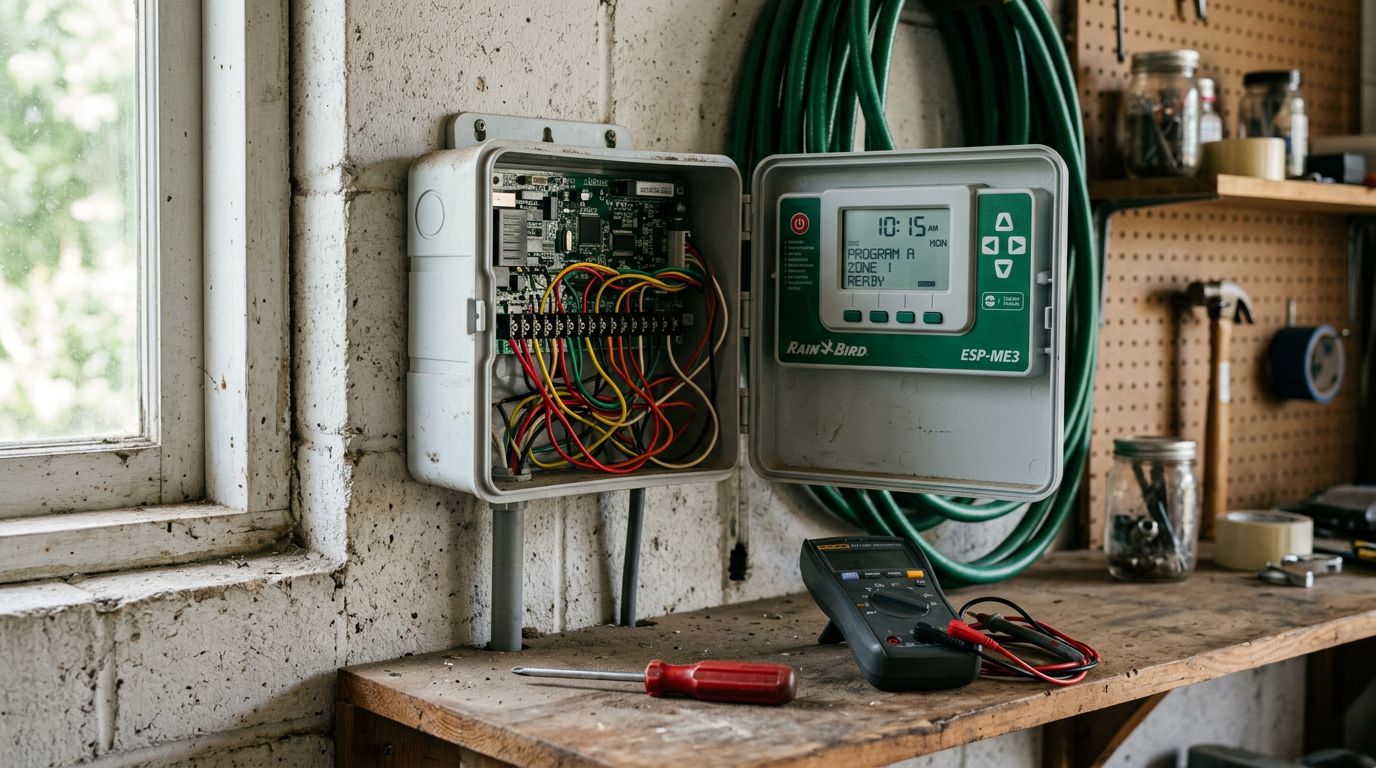
If the timer keeps losing its mind even after a clean reset, the internal board may be failing. That is a good time to consider a replacement or a professional inspection.
When to Replace Your Irrigation Timer Batteries
The backup battery is the unsung hero of your controller. It keeps your programming safe when the power flickers or goes out. Most timers use a 9-volt or a coin-cell battery, and it needs attention more often than people realize. A tired battery is behind a surprising number of timer complaints.
Watch for these signs that it is time for a fresh battery:
- The timer forgets settings after a power outage or unplugging.
- The display dims or flickers during normal use.
- A low-battery icon appears on the screen.
- The clock resets to 12:00 on its own.
- It has been over a year since your last battery change.
- Storm season is coming. We recommend a fresh battery before spring and summer weather rolls in.
Changing the battery takes just a minute. Open the controller door, swap the old battery for a new one of the same type, and close it up. Cheap insurance against a lost schedule.
How to Program an Irrigation Timer After Troubleshooting
Once your timer is back in working order, the final step is setting up a smart watering schedule. Good programming keeps your lawn healthy while avoiding waste. Here in the Celina and Frisco area, deep and less frequent watering usually beats short daily bursts, especially through hot Texas summers.
- Set the correct time and date. Double-check AM and PM so cycles run when you expect.
- Choose your watering days. Follow any local watering restrictions in your city.
- Pick a start time. Early morning, before sunrise, cuts down on evaporation and wind loss.
- Set run times per zone. Grass, garden beds, and drip lines all need different amounts.
- Adjust for zone type. Shady areas need less water than sunny, sloped spots.
- Enable seasonal adjustment if available. This scales watering up in summer and down in cooler months.
- Test the full program. Run through each zone manually to confirm everything fires correctly.
- Recheck after a few days. Look for dry spots or pooling and fine-tune the run times.
A well-programmed timer saves water AND money. If you are unsure how much each zone needs, a professional can dial in the perfect schedule for your specific landscape and soil.
Conclusion
Most irrigation timer problems trace back to a few common causes: power issues, dead batteries, programming mistakes, or faulty valves. Start with the simple checks, try a reset if things get weird, keep a fresh backup battery in place, and reprogram with your local climate in mind. These easy fixes solve the majority of timer troubles.
If your timer still refuses to cooperate, the problem may run deeper into your system. Matehuala Landscape And Irrigation proudly serves Celina, Frisco, Little Elm, Prosper, McKinney, Anna, Aubrey, Melissa, and Gunter with expert irrigation repair and installation. Reach out to us and let our team get your sprinklers running like new again.